 ImageFormat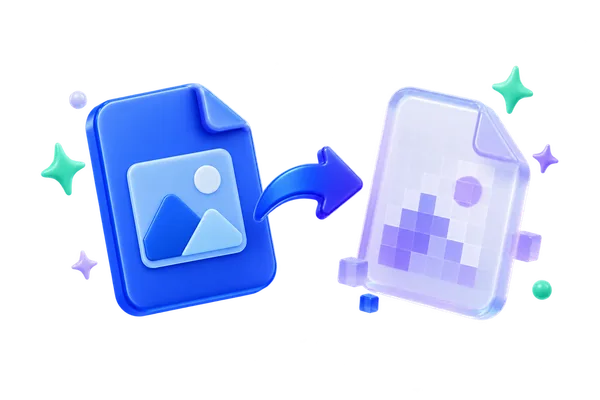
Shrink large uncompressed BMP images into practical WebP assets while preserving dimensions and exposing a simple quality choice.
How to convert BMP to WEBP
- Choose supported 24-bit or 32-bit BMP files.
- Select a WebP quality preset for the batch.
- Compare original and output sizes before downloading.
When this converter is useful
- Publish legacy bitmap screenshots on a modern website.
- Reduce storage and transfer costs for a BMP asset folder.
Supported files and limitations
- Uncompressed 24-bit and 32-bit BMP only
- WebP output requires a browser WebP encoder and is signature-checked before download
- Maximum input size is 50 MB; decoded-memory limits also apply
BMP to WEBP questions
Will BMP to WebP preserve transparency?
Valid alpha from a supported 32-bit BMP is passed to the browser WebP encoder; 24-bit BMP files have no alpha channel to preserve.
Do these files leave my device?
No. Supported files are inspected and converted in this browser tab. Up to 50 files can be queued; up to 30 smaller files or three 50 MB files can be processed at once.